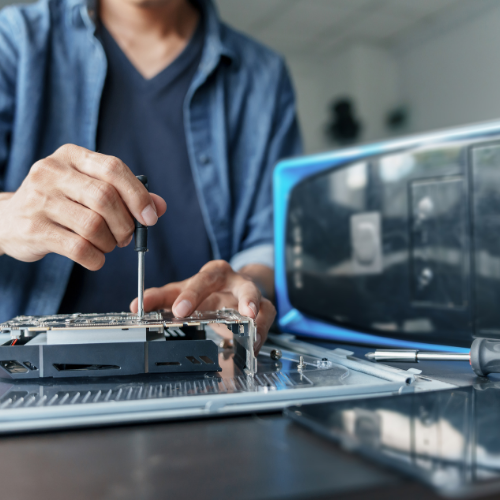
No-POST orientation for laptops and desktops (original NLCRC English).
Signals
- Speaker beeps / LED blink patterns are OEM-specific — look up that brand’s table; do not assume AMI desktop codes on a laptop.
- LPC/SPI debug cards help on some desktops; many modern laptops never expose a useful POST bus.
Power before codes
- If ALW or VRM enables never appear, a debug card showing “nothing” is expected — fix power first.
- Stable clocks and resets matter as much as RAM seating.
Practical order
1) Known-good PSU/adapter and RAM configuration.
2) Minimal hardware boot.
3) Then interpret codes / boardview the rail that never comes up.
Share the exact blink/beep pattern, board PN, and which rails you already have.
Memory & POST
No-POST: beep codes, debug cards, and when to ignore both
24 views · Solved
Repair forum
Board-level discussion, BIOS library, and mail-in repair.
Free diagnostic
Return shipping £15
)),
'compact' => true,
])
Sign in to reply.